Laravel Artisan command cheatsheet
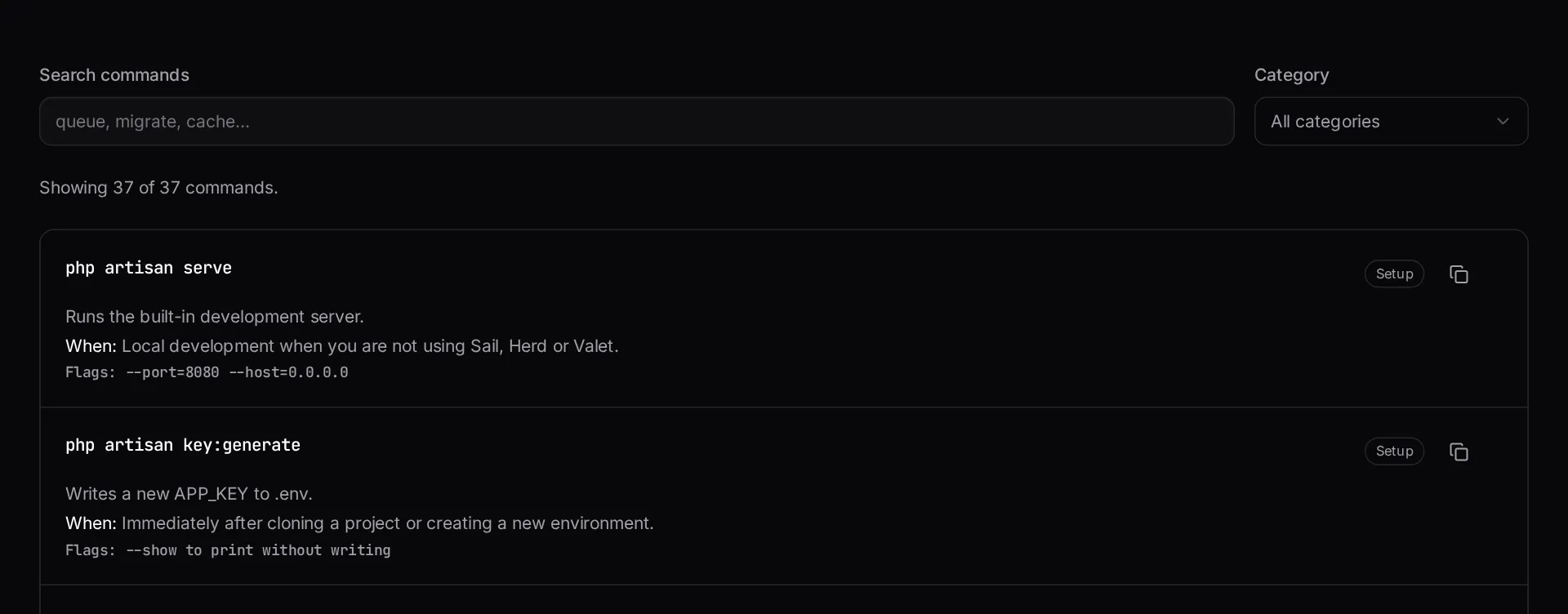
A searchable reference of the Artisan commands you actually use — what each one does, when to reach for it, and the flags worth knowing.
About the artisan command cheatsheet
The framework ships with far more console commands than anyone remembers, and the useful flags are often the part you forget. This is a searchable reference for the commands that come up in real work, with what each one does and when to reach for it.
Search by command name when you know what you want, or by intent when you only know the outcome you are after.
When to use it
- You know what you want to do but not which command does it.
- You need the right cache or queue command during an incident.
- You are onboarding someone and want a compact reference to hand them.
- You want the flags for a command you use rarely.
What it does not do
- It does not list commands added by third-party packages in your project.
- It is not a substitute for the official documentation on edge-case behaviour.
- It does not run anything — it is a reference.
How the result is produced
Commands are grouped by area — migrations, queues, caching, generation, maintenance — and each entry states its effect and the flags worth knowing. Search matches both the command name and the description, so intent-based queries work.
What to watch out for
The commands worth memorising are the ones you reach for under pressure: clearing and rebuilding caches after a deploy, restarting queue workers so they pick up new code, and putting the application into and out of maintenance mode. Getting those wrong during an incident extends it.
Worker restarts are the classic trap. Long-running queue workers hold the old code in memory, so a deploy that does not signal them leaves jobs running against yesterday's application until the process happens to cycle.
Cache commands behave differently in development and production. Configuration and route caches make production faster and make local development confusing, because changes appear not to take effect. Knowing which command clears which cache is most of the debugging.
Two habits make console work safer. First, prefer commands that are idempotent, so running one twice does no harm — that matters when you are unsure whether the first attempt completed. Second, be careful with anything that resets or refreshes the database; those commands are indispensable locally and catastrophic against production, and the flag that separates the two is easy to mistype. Confirming which environment you are pointing at before running a destructive command is a one-second habit that eventually saves a very bad afternoon.
Real inputs and the exact output
Every example below was run through this artisan command cheatsheet and copied verbatim.
Example 1: The deploy sequence for a Laravel 11 app
What to run, in order, on a production release.
`queue:restart` is the step teams forget — without it, workers keep running the previous release's code until they are killed.
Deploy
php artisan down --render="errors::503" --retry=60
composer install --no-dev --optimize-autoloader
php artisan migrate --force
php artisan config:cache
php artisan route:cache
php artisan view:cache
php artisan event:cache
php artisan queue:restart
php artisan up
Example 2: Undoing the caches while debugging
Config cache hides .env changes, which produces confusing 'the variable is empty' bugs.
`php artisan about` tells you in one screen whether config is cached, which queue driver is live and what PHP version is running.
Debug
php artisan optimize:clear   # config + route + view + event + compiled
php artisan about            # environment, drivers, cached state at a glance
How it works
- Search by command name or by what you are trying to do.
- Filter by category to browse a whole area, such as queues or caching.
- Copy any command straight to your clipboard.
Frequently asked questions
- Which Artisan commands should never run in production?
- `migrate:fresh` and `migrate:refresh` drop tables and will destroy live data. `db:wipe` does the same. Treat `migrate --force` as the only migration command that belongs in a deploy script.
- What should a Laravel deploy script actually run?
- Typically `composer install --no-dev --optimize-autoloader`, `php artisan migrate --force`, `config:cache`, `route:cache`, `view:cache`, then restart the queue workers with `queue:restart` so they load the new code.
- Why do my config changes not take effect?
- Because `config:cache` has been run and the cached file is being read instead of your .env. Run `php artisan config:clear` in development, and re-run `config:cache` after any production config change.
Want a real number instead of an estimate?
A fixed-price Laravel codebase and architecture audit gives you a written scope, a risk list and a delivery date before you commit to a build.
Related free tools
Laravel failed job decoder — Paste a row from your `failed_jobs` table and get the job class, queue, attempt count, a failure category and the specific fixes that apply — decoded locally, never unserialized.
Laravel .env generator — Build a correct .env for local, staging or production — with a freshly generated APP_KEY and the driver settings that match your stack.
Cron expression generator — Build a crontab expression visually, read it back in plain English, see the next five run times — and get the matching Laravel scheduler code for the same schedule.
All free Dev Loader tools
Every tool below runs entirely in your browser — no account, no upload and no limits. 25 tools in total.
- Software development cost calculator
- Website cost calculator
- App development cost calculator
- Freelance rate calculator
- Cron expression generator
- Meta tag generator
- .htaccess redirect generator
- PHP formatter
- JSON to PHP array converter
- composer.json validator
- Laravel upgrade readiness scanner
- PHP version compatibility checker
- URL slug generator
- Unix timestamp converter
- Laravel .env generator
- PHP regex tester
- Laravel migration generator
- Laravel validation rule builder
- Laravel .gitignore generator
- Carbon date format helper
- Composer dependency conflict decoder
- Laravel failed job decoder
- Laravel Cashier webhook diagnostic
- Laravel version and EOL risk checker
- Free tools hub